Merchant Rewards
Fixed EPWX Rewards with One Store QR and Single-Use Purchase Codes
The new merchant flow removes receipt uploads from the primary customer journey and keeps cashier work to one action. Every eligible purchase can earn a fixed EPWX reward without recording the sale amount in EPWX.
One QR for the store, one code for the purchase
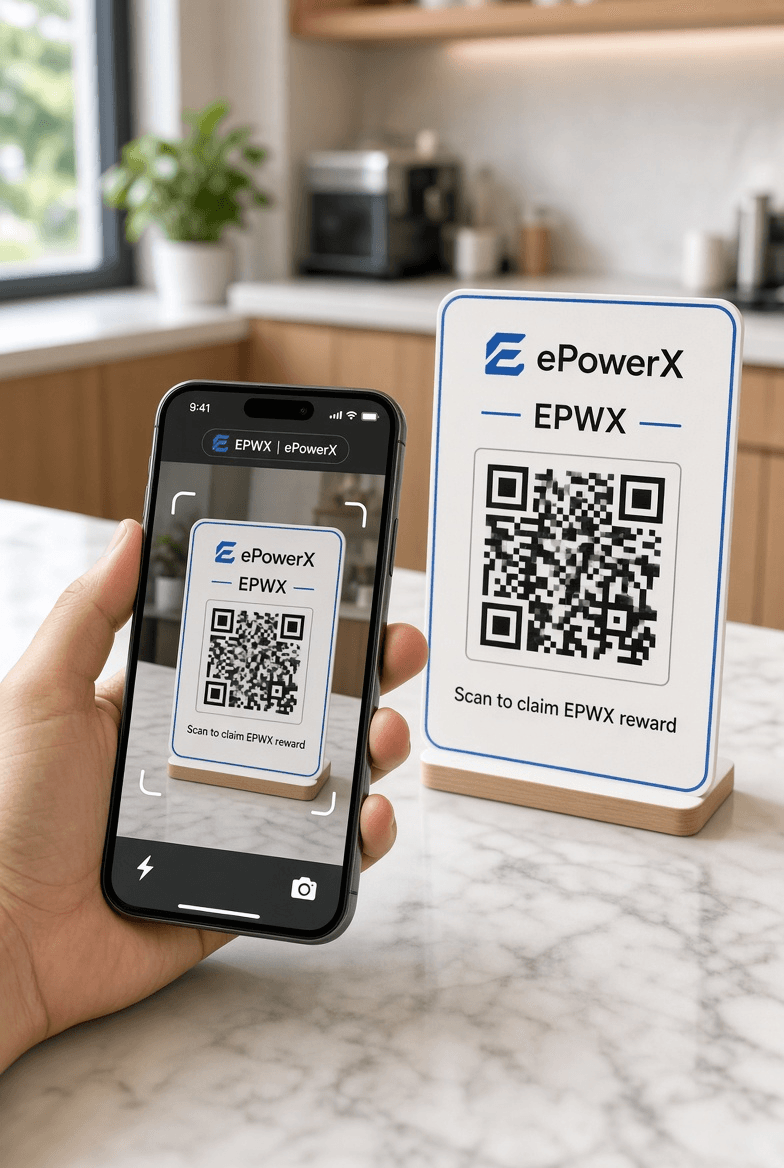
The printed merchant QR is permanent and reusable. After each completed sale, the cashier generates a new eight-character code and shows it to that customer. Redeemed, expired, or cancelled codes never return to circulation.
End-to-end flow
From checkout to wallet reward
Customer completes a purchase
The merchant processes the sale normally. EPWX does not require the cashier to enter the purchase amount or customer information.
Cashier generates one code
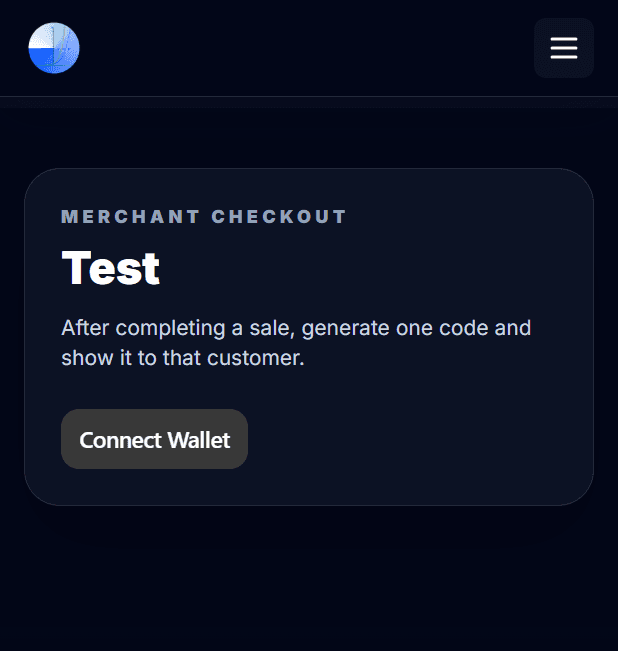
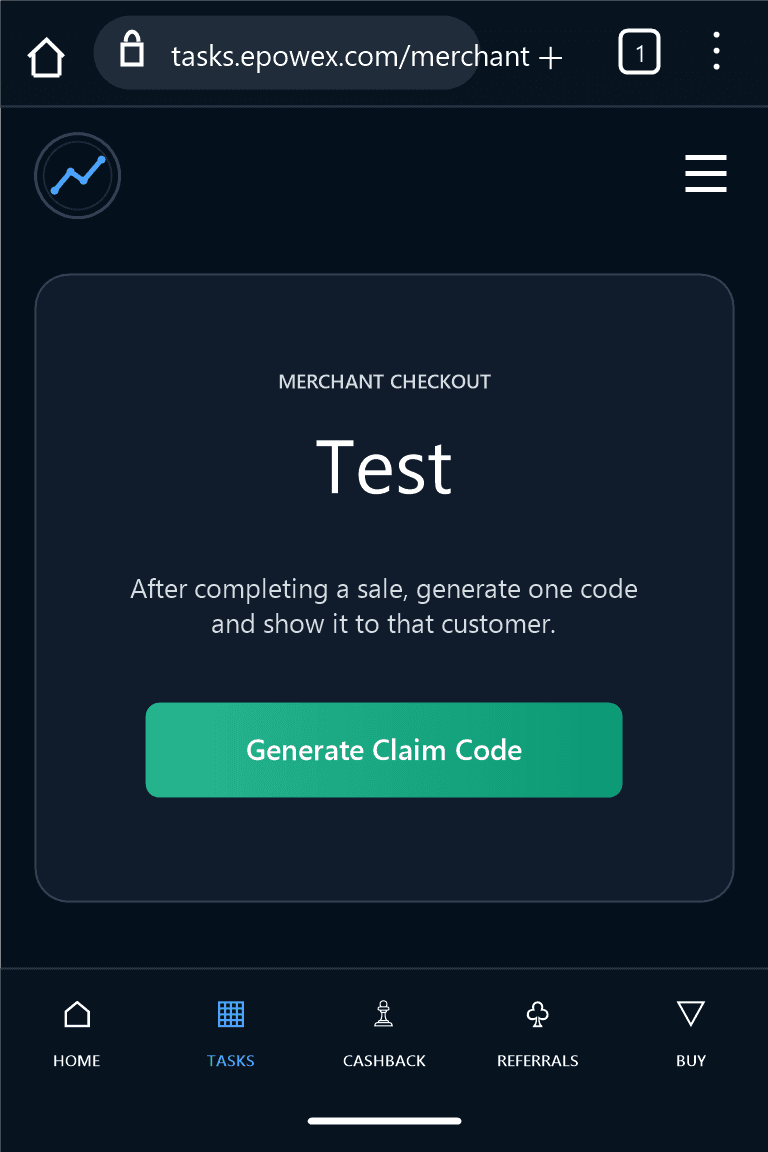
The cashier connects the authorized merchant wallet, selects Generate Claim Code, and signs the request. No blockchain transaction or gas payment is required.
Customer scans the store QR
One permanent QR can serve every customer. It opens the merchant-specific EPWX code claim page; only the purchase code changes for each sale.
Customer enters code and email
The customer connects a wallet, enters the single-use purchase code and email address, and consents to claim status notifications.
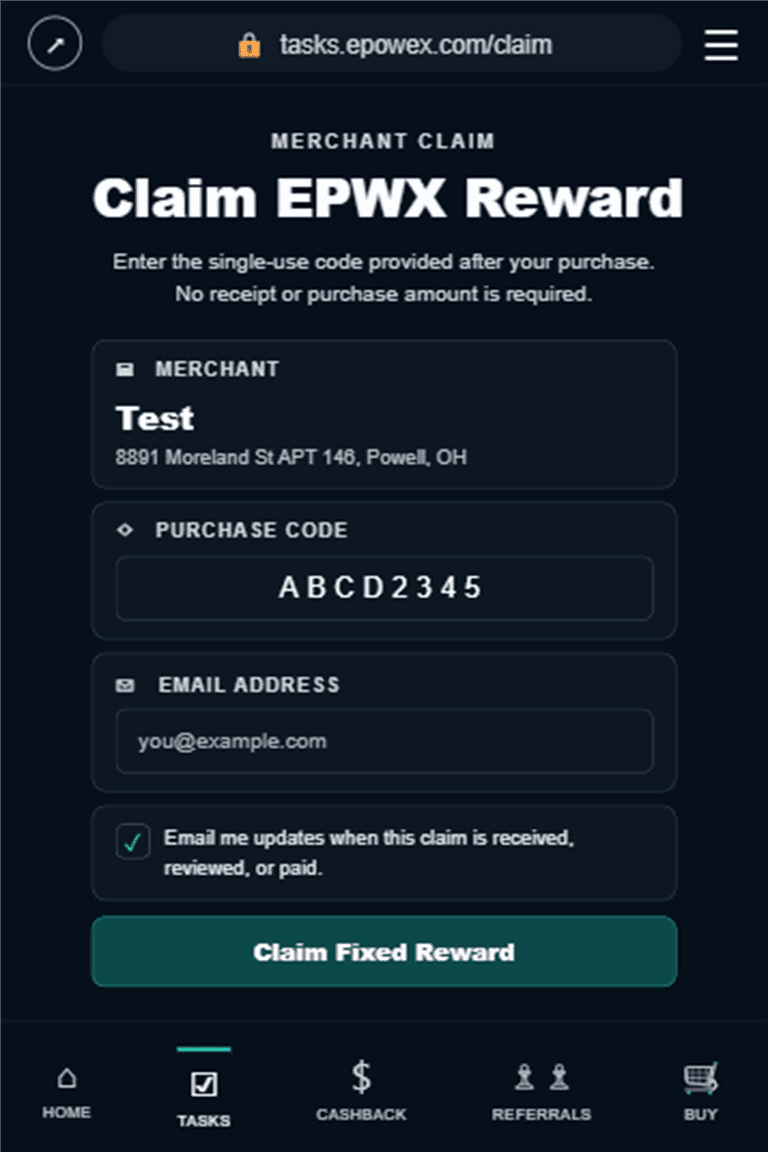
EPWX validates the claim
EPWX checks the merchant, code status, 30-minute expiry, wallet, and reward configuration before creating a pending claim.
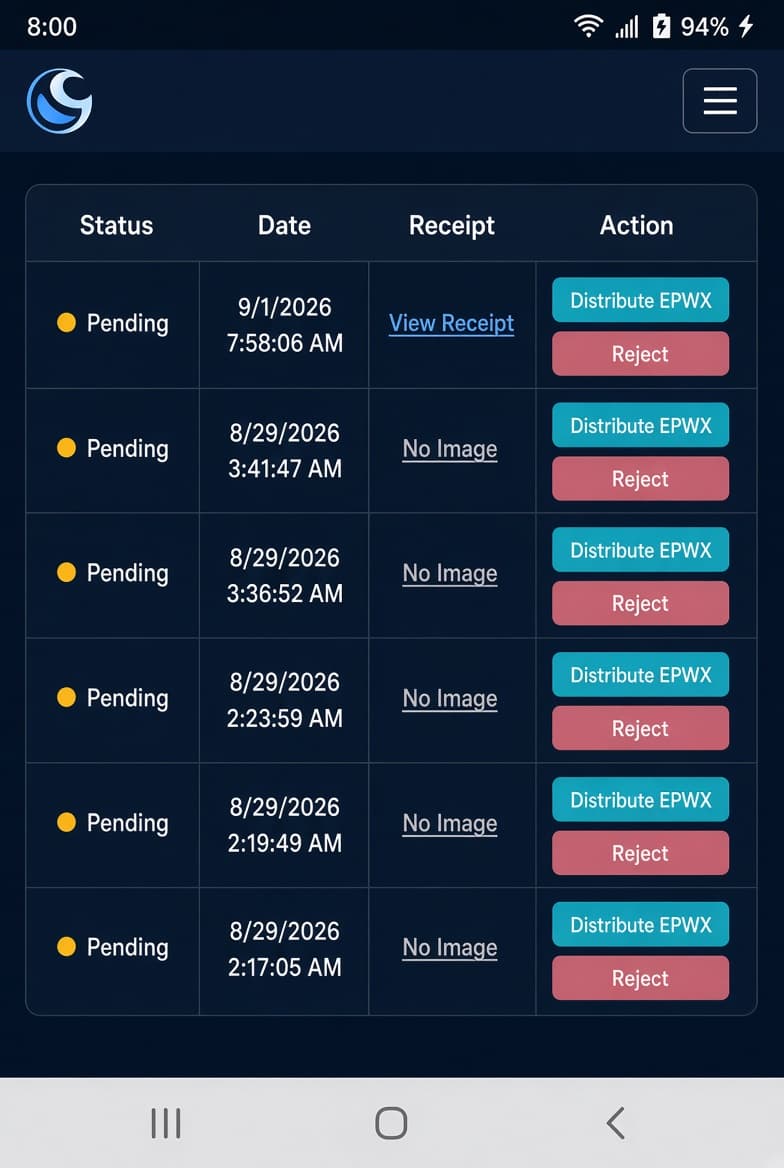
Review, reward, and notify
Admin reviews the claim and distributes the fixed EPWX reward. The customer receives email updates when the claim is received, approved, rejected, or paid.
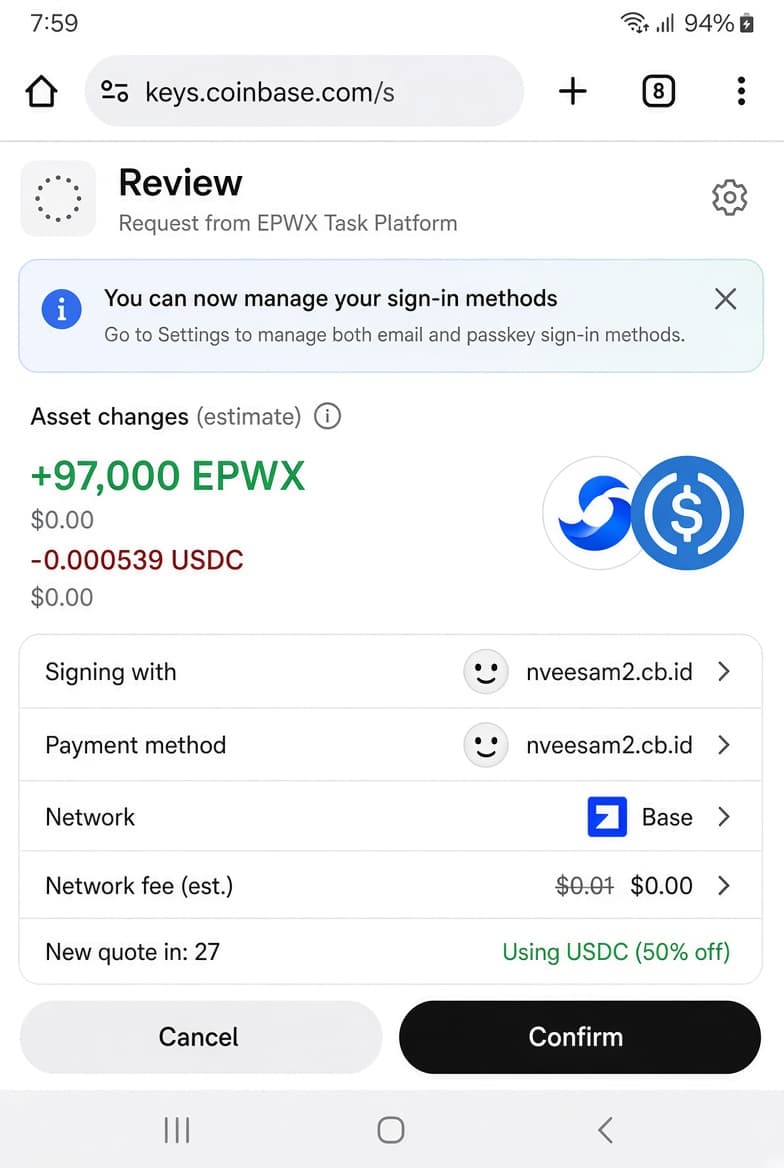
Less checkout work
What the cashier does
- 1. Complete the normal sale.
- 2. Select Generate Claim Code.
- 3. Approve the wallet signature and show the code.
No purchase amount, receipt, customer wallet, or email is entered by the cashier.
Clear communication
Customer email updates
The customer provides an email address and explicitly agrees to notifications while redeeming the code. EPWX then sends status updates for received, approved, rejected, and paid claims.
Email is kept private and is not returned by public merchant claim-list APIs. Delivery failure does not cancel a valid claim.
Built-in safeguards
- Codes are random, hashed, merchant-bound, and single-use.
- Expired codes remain invalid and are never reassigned.
- Only an authorized merchant or admin wallet can generate codes.
- Every generated code requires a fresh signed authorization.
The original location and receipt upload process remains available as a fallback. Merchants adopting the faster code flow should download and print the updated QR, because previously printed QR images continue to open the receipt flow.